
This guide is to help alumni quickly understand how to set up a CEIBS alumni email account.
Webmail
- First, visit https://icampus.ceibs.edu.cn , sign in with your CEIBS alumni account. Then, at the bottom of the page in the Service List section, select More located at the top right corner.

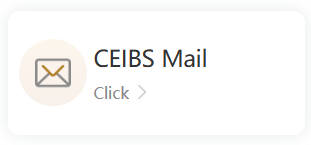
- Then, in the Public Services section, select CEIBS Mail.
Email Client Setup
The following guide requires you to set up your CEIBS alumni email account.
- How to Set up CEIBS Alumni Mailbox in Outlook on iOS / Android
- How to Set up CEIBS Alumni Mailbox in Mail on iOS / Android
- How to Set up CEIBS Alumni Mailbox in Foxmail on Windows
- How to Set up CEIBS Alumni Mailbox in Outlook on Windows
- How to Set up CEIBS Alumni Mailbox in Mail on macOS
- How to Set up CEIBS Alumni Mailbox in Outlook on macOS